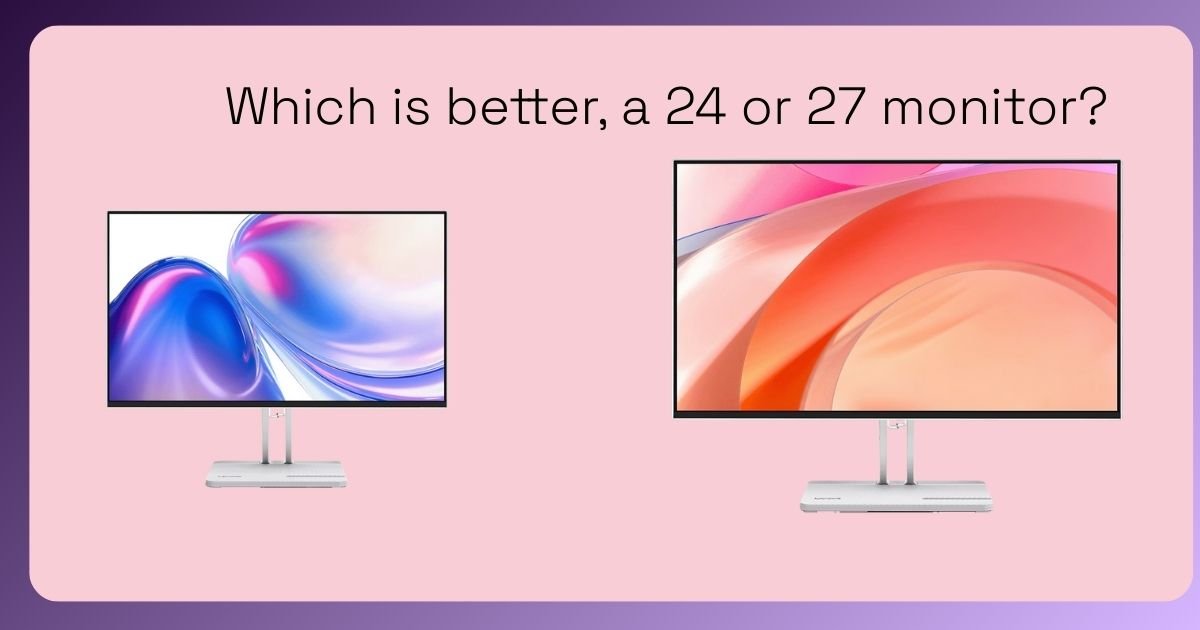
Which Is Better: a 24-inch or 27-inch Monitor?
Picking the right monitor can make a huge difference — whether you’re studying, working, gaming, or creating content. Two of the most popular sizes are 24-inch and 27-inch, but which one is right for you?
Let’s break it down in a way that feels natural, practical, and based on real experience — not just specs on a page.
Quick Answer
There’s no one-size-fits-all winner — both 24-inch and 27-inch monitors have strong benefits.
It comes down to how you use your screen, your desk space, and what matters most to you (e.g., clarity, immersion, multitasking).
Why Size Matters
Monitor size affects:
- Field of view: Larger screens show more content at once
- Clarity: How easy it is to see text and details
- Workspace setup: How comfortable it feels on your desk
- Gaming & immersion: How engrossed you feel in games and media
Different sizes suit different needs — let’s explore.
24-inch Monitors: Pros and Best Uses
✅ Great for Small Desks
If your workspace is tight — like a dorm desk or compact home office — a 24-inch screen fits comfortably without feeling overwhelming.
✅ Affordable and Efficient
Generally, 24-inch monitors are more budget-friendly, making them ideal if you want solid performance without spending too much.
✅ Ideal for Everyday Use
These are perfect for:
- Studying
- Office work
- Streaming videos
- Casual gaming
💡 Best For
🔹 Students
🔹 Budget-conscious buyers
🔹 Simple work and everyday use
27-inch Monitors: Pros and Best Uses
⭐ Bigger Workspace
A 27-inch display gives you more room for multiple windows, document editing, and detailed visuals — excellent for productivity and creative work.
⭐ More Immersive Gaming
Larger screens let you see more of the game world, increasing immersion — especially in RPGs, open-world games, and racing sims.
⭐ Better Detail at Higher Resolutions
At 1440p (Quad HD), a 27-inch display hits a sweet spot between sharpness and visual real estate. Text and graphics look crisp without needing to strain your eyes.
💡 Best For
🔹 Gamers
🔹 Designers & creators
🔹 Multitaskers
🔹 Anyone who wants a more spacious display
Side-by-Side Comparison
| Feature | 24-inch | 27-inch |
|---|---|---|
| Desk Fit | Great for small spaces | Needs more room |
| Price | Usually lower | Slightly higher |
| Immersion (Gaming & Media) | Moderate | High |
| Multitasking | Decent | Excellent |
| Visual Clarity | Good | Better at higher resolutions |
When a 24-inch Monitor Wins
Choose a 24-inch if:
✔ Your desk space is limited
✔ You’re on a tighter budget
✔ You mostly do schoolwork, browsing, and streaming
✔ You want something simple and plug-and-play
When a 27-inch Monitor Wins
A 27-inch monitor is better if:
✔ You multitask a lot (multiple apps open at once)
✔ You play games regularly and want more immersion
✔ You edit videos, photos, or want more screen space for creativity
✔ You have space and want a noticeably larger view
What About Resolution?
Size and resolution go hand in hand:
- 24-inch — Full HD (1080p) is usually perfect
- 27-inch — Best with 1440p (Quad HD) for sharper visuals
- 4K on 27-inch can be amazing but is more expensive
In short, on a 27-inch screen, 1080p can look a bit stretched — so if you’re upgrading, aim for 1440p for clearer detail.
Personal Recommendation
Here’s what I usually tell friends and readers:
🎓 For students and everyday users:
A solid 24-inch Full HD monitor is ideal — comfortable, affordable, and practical.
🎮 For gamers, creators & multitaskers:
A 27-inch 1440p monitor is worth the upgrade — more space and better visuals make a noticeable difference.
Both sizes are great — it really comes down to how you work and play.
Final Thoughts
👉 24-inch = Practical, affordable, perfect for everyday use
👉 27-inch = More immersive, spacious, better for productivity and gaming